Add a database and file uploads to a Codex Sites app
How to give a Codex Sites app durable data and uploads — when to reach for D1, R2, or both, how to ask for it, and where the binding names live.

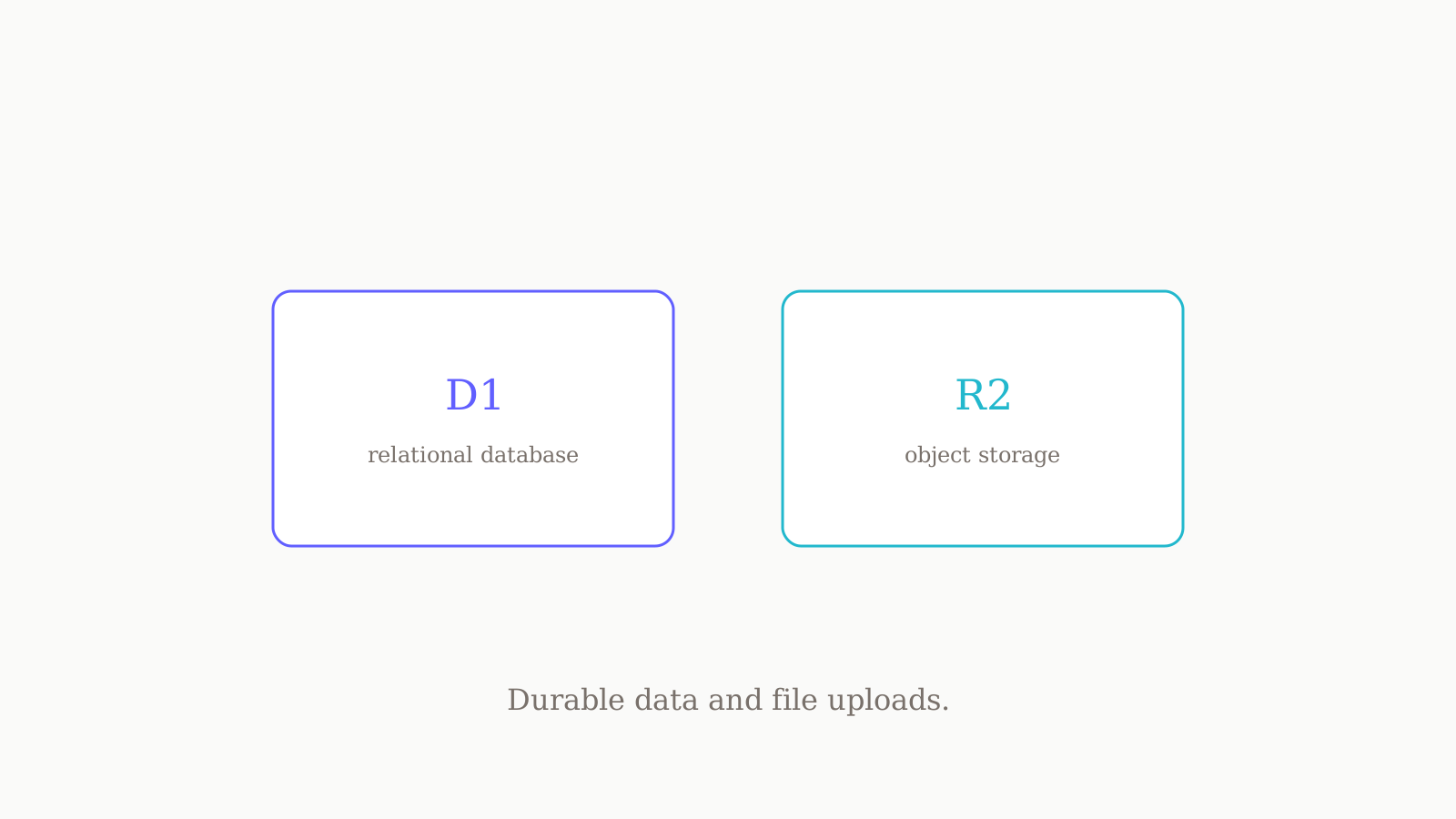
If you are adding persistence to a Codex Sites app, the short version is this: use D1, a relational database, for durable structured data like saved records, user progress, and game scores; use R2, object storage, for files such as images, documents, audio, and video; and use D1 and R2 together when uploaded files need searchable metadata. You ask for storage in plain language by naming @Sites, the binding names land in .openai/hosting.json, and secrets never go in that file — they live in the Sites panel. Only request storage for real product data, not temporary UI state like a theme toggle.
That last sentence is the discipline the docs keep returning to, so we will too.
When you actually need storage (and when you don't)
The most common mistake is reaching for a database before you have data worth saving. Codex Sites hosts builds that produce Cloudflare Worker-compatible output as ES modules, and a content-led site — a landing page, a marketing site, a docs page — usually needs no persistent state at all. The build renders, the page serves, done.
Storage earns its place only when product data must survive between visits. A user's saved records. Progress through a flow. A high score. An uploaded avatar. Those are things a person would be annoyed to lose. Contrast that with a theme choice, a dismissed banner, or which tab is open — that is temporary presentation state, and it does not belong in D1 or R2. If you would not miss it after a refresh, it is not storage's job.
Hold that line and the rest of this gets simple, because the question stops being "which database" and becomes "does this data need to persist for the user, yes or no."
D1 for structured data
When the answer is yes and the data is structured — rows and fields, things you would query — you want D1. D1 is the relational database option in Codex Sites, built for durable structured data: saved records, user progress, game scores, the contents of a form someone submitted last week.
You do not hand-write a schema first. You describe the data that has to persist, name @Sites, and let Codex provision it. A prompt as plain as this is enough to get a database:
@Sites Add saved projects to this app so each user's projects persist between visits. Use the appropriate Sites storage and deploy the updated app.
Codex reads "persist between visits" as a durability requirement, picks D1, provisions it, and records the binding. Your job is to be clear about what persists, not to specify the engine.
R2 for files
If the data is a file rather than a row — an image, a document, an audio clip, a video, any upload — that is R2. R2 is the object storage option in Codex Sites: it holds the bytes, not queryable columns.
The same plain-language pattern applies. Here is the verbatim data prompt from the Codex Sites docs, which adds both scores and uploads to a game in one go:
@Sites Add persistent player scores and avatar uploads to this game. Use the appropriate Sites storage and deploy the updated game.
Notice that single prompt spans both needs — scores are structured (D1), avatar uploads are files (R2) — and Codex provisions each appropriately. You did not have to name D1 or R2 yourself. You named the outcomes and let Sites map them to storage.
D1 + R2: files with searchable metadata
Here is the pattern worth internalizing, because it trips people up: when you have uploaded files that also need searchable fields, you use D1 and R2 together. R2 stores the file contents; D1 stores the metadata — filename, owner, tags, upload date, anything you want to query or filter on.
Think of a document library. The PDFs themselves are bytes, so they go in R2. But "show me everything Priya uploaded in May tagged invoice" is a query against structured fields, so that metadata lives in D1, with a pointer to the R2 object. Files in object storage, searchable data in the relational database, joined by a reference. That split is the answer whenever "upload" and "search" appear in the same sentence.
Site-need to ask-for, at a glance
The docs frame storage as a mapping from what your site does to what you request. We have reproduced it here so you can find your row and copy the intent into your prompt.
| Your site needs... | Ask Codex Sites for... |
|---|---|
| A content-led site (landing, marketing, docs) | No persistent state unless a feature needs it |
| Saved records, user progress, or game scores | D1 — a relational database |
| Images, documents, audio, video, or other uploads | R2 — object storage |
| Uploads with searchable metadata | D1 + R2 — D1 for metadata, R2 for file contents |
| An internal site that needs the current workspace user's identity | Workspace-authenticated user identity |
| Public sign-in or an external identity provider | An authentication-enabled Sites project |
The two identity rows are not "storage" exactly, but they sit in the same decision: workspace-authenticated identity is for an internal site that needs to know which workspace user is signed in, while an authentication-enabled project is the choice when you need public sign-in or an external identity provider.
How storage shows up in .openai/hosting.json
Once Codex provisions storage, the binding names — not the data, the names — land in a small file at .openai/hosting.json. This file records the project linkage and which storage bindings exist. A project with a database binding named DB and no file storage looks like this:
{ "project_id": "<project-id>", "d1": "DB", "r2": null }
A few things to read off that. The d1 field holds the name of the database binding; r2 is null here because this project has no file storage yet. Add uploads later and Codex fills in the r2 field with an object-storage binding name. The project_id is the hosted project; a brand-new local starter can begin without one, and Sites adds it after it provisions the hosted project. The placeholder you see above is literal — your real file carries the actual id Sites assigned.
The point is that .openai/hosting.json is a map, not a vault. It says "this project has a D1 binding called DB." It does not, and must not, contain anything secret.
Secrets don't go in hosting.json
This is the rule that saves you from leaking credentials into Git: secrets and environment values are set in the Sites panel, not in .openai/hosting.json, and they are never committed. An API key, a connection secret, a third-party token — those go in the panel where the deployment reads them at runtime. The hosting file stays safe to commit precisely because it only holds non-sensitive binding names and the project id.
So the mental model is two buckets. Binding names and project linkage: .openai/hosting.json, committed. Secret values: the Sites panel, never in the repo. If you ever feel the urge to paste a key into the JSON, stop — that is the panel's job. For the longer walkthrough on managing those values, see environment variables in Codex Sites.
Pressure-test the data model before you prompt
The build is rarely the weak link — the brief is. A muddy idea of what persists produces a muddy data model, and because every Codex Sites deployment URL is production, a vague spec costs you a real deploy. Before we name @Sites, we draft the data model the way we would any spec: which entities persist, which fields are searchable, what is genuinely a file versus a row, and what is just UI state we should not store. We do that drafting on oran.chat, asking GPT, Claude, and Gemini the same brief and branching the conversation instead of overwriting it, so the version we hand Codex is the one that survived three sets of objections. If you want one instruction set to behave consistently across those models while you do, see the system prompt that works across GPT, Claude, and Gemini.
Once the data model is clear, the rest is the prompt-and-deploy loop covered in deploying an existing project to Codex Sites. The authoritative reference for storage is the Codex Sites documentation, and since the feature is in preview, treat those pages as the live source of truth over anything here. For more like this, see Playbooks.