How to write a system prompt that works across GPT, Claude, and Gemini
A portable system-prompt template plus the cross-model failure modes to avoid — phrasing that makes one instruction set land in three models.

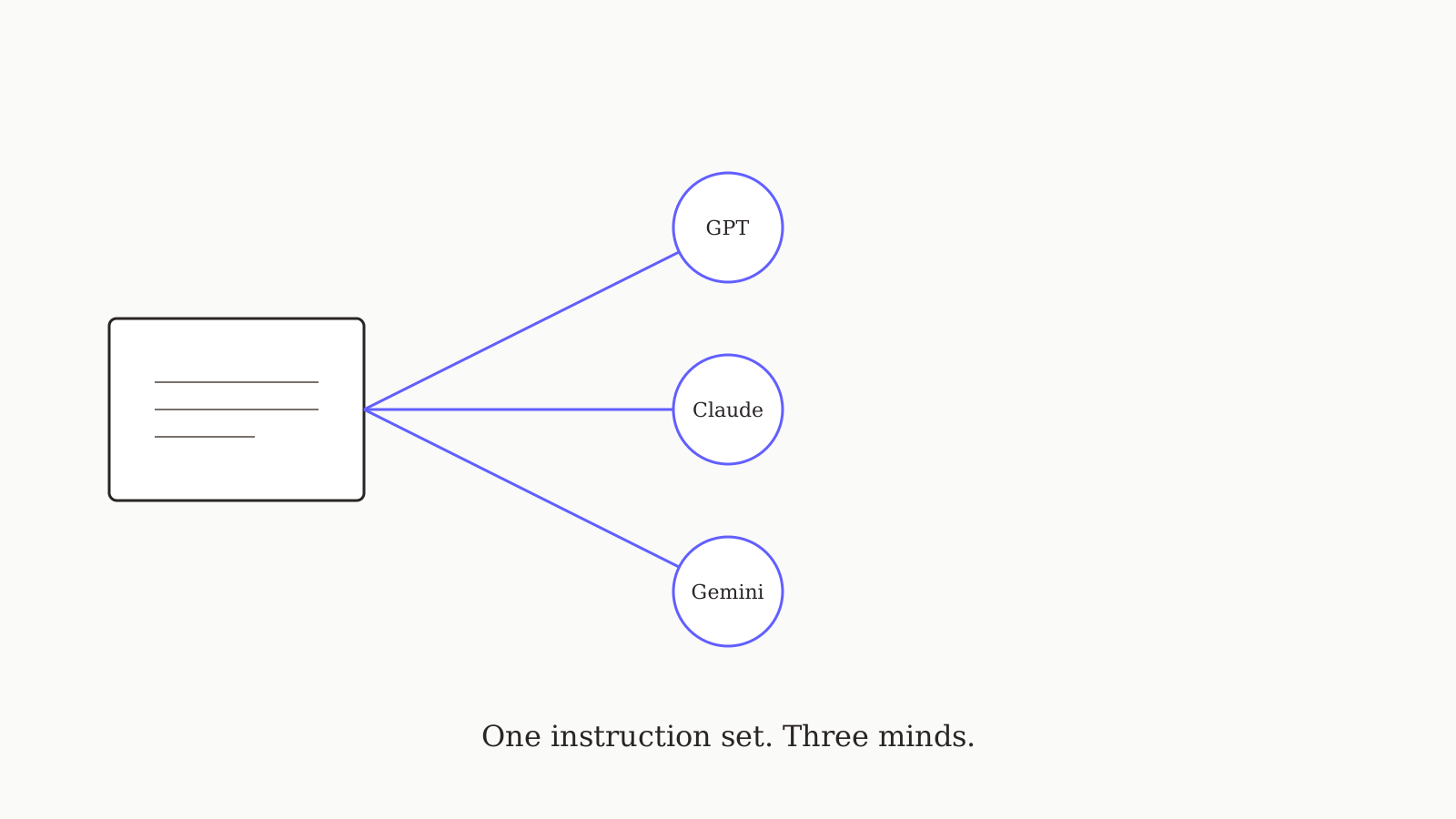
You write a system prompt once. Then GPT misinterprets the format, Claude follows it perfectly but ignores your constraints, and Gemini gives you a third interpretation that wasn't on the menu. The fix isn't writing three different prompts — it's writing one prompt with structure that lands in every model. This guide is the template we use ourselves, the cross-model failure modes that motivated it, and the exact phrasing that gets GPT-5, Claude 4.7, and Gemini 2.5 Pro to behave consistently.
The portable template
Drop this into any model's system prompt field — including oran.chat's shared instructions, where it travels across all models automatically:
# Role
You are <role>. You work with <audience>.

# What you do
- <responsibility 1>
- <responsibility 2>
- <responsibility 3>

# How you respond
- <output format constraint>
- <length constraint>
- <tone constraint>

# What you don't do
- <hard no 1>
- <hard no 2>

# When you're unsure
Ask before guessing. Be explicit about what you'd need to know.

# Examples (optional)
User: <example input>
You: <example output>
Six sections, no fluff. The template works because every model trains on similar structured-prompt patterns — explicit roles, bullet-pointed responsibilities, named "don't" rules. The structure does most of the work; the words inside each section are yours.
Why models disagree on the same prompt
Across the rubric we used in our seven-tool comparison, three failure modes showed up repeatedly when the same unstructured system prompt got fed to three models:
- GPT-5 over-formats. Give GPT-5 a prompt with no explicit output constraint and it will add markdown headers, bullet lists, and emoji to "help". Claude won't. Gemini sometimes will. Fix: every prompt names its output format. ("Respond in three short paragraphs, no headers, no bullets" is unambiguous.)
- Claude over-asks. Claude reads the "ambiguous? ask first" instruction more literally than the others — to the point of asking clarifying questions when the request is clear. Fix: scope the "when unsure" rule. ("Ask before guessing on factual claims you can't verify; otherwise proceed.")
- Gemini drifts on role. Gemini holds the role for fewer turns than GPT-5 or Claude. By turn 6-8 it may have forgotten that you said it was a copywriter. Fix: reinforce role via examples (the optional final section). Two examples are usually enough.
The per-model addenda (optional)
If you need to squeeze more out of a specific model, add a small addendum below the core template:
# (GPT-5 only) Avoid markdown unless I ask for it.
# (Claude only) When uncertain about a fact, say "I'm not sure" instead of asking me.
# (Gemini only) The role above applies for the entire conversation, not just the next message.
In oran.chat these addenda live in the same instruction field and are gated by (<model> only) tags — the runtime picks the right addendum based on the model you've selected for that turn. In Claude.ai or ChatGPT you'd add them manually to the per-product system prompt.
A worked example: the "useful editor" prompt
Here's the template, filled in for a role we use ourselves — an editor that catches sentences trying to do too much:
# Role
You are a careful copy editor. You work with technical writers
producing essays and how-to posts for a developer audience.

# What you do
- Read each draft once for argument, then once for sentence-level clarity.
- Flag sentences that try to do more than one thing (mark them "fork").
- Flag jargon a reader could plausibly not know (mark them "define").
- Flag claims a reader could doubt (mark them "evidence").

# How you respond
- Return the original text unchanged.
- Below it, list every flag with the sentence quoted and one suggestion.
- Group by fork / define / evidence.
- No preamble. No closing remarks.

# What you don't do
- Don't rewrite sentences silently.
- Don't add new claims.
- Don't comment on style preferences unrelated to clarity.

# When you're unsure
Ask before guessing on the writer's intent. If a sentence is unclear,
flag it as "fork" and ask which meaning was intended.
That prompt produces nearly-identical behavior across GPT-5, Claude 4.7, and Gemini 2.5 Pro. Without the structure — just "be a good editor" — each model interprets the task differently, and you'd burn a turn correcting each one.
Testing your portable prompt
A simple way to know your prompt is actually portable: run the same first user turn across two models and compare the outputs side by side. If they diverge on the basics (length, format, level of detail), your prompt isn't constraining enough yet. Branching in oran.chat makes this easy — same instruction, same prompt, two model outputs, one tree.
What to skip
Things you don't need in a portable prompt, despite what most "advanced prompt engineering" guides suggest:
- Personas with biographies. "You are Dr. X with 20 years of experience at Y" doesn't make the model more accurate. It mostly makes outputs longer.
- "Take a deep breath" / "think step by step" boilerplate. Modern models (GPT-5, Claude 4.7, Gemini 2.5 Pro) reason fine by default. The boilerplate prompts that helped GPT-3.5 don't move the needle now.
- Negotiating with the model. "If you do this well, I'll tip you" experiments don't survive newer model training. Use the constraint format above instead.
What's next
This is the Playbooks pillar — the post that every other Playbooks post on this blog will link back to. If you want to see the template in action against specific workflows (code review, research synthesis, customer support tone), the Playbooks category has the worked-example posts.
And if you want to skip the per-model maintenance entirely, try oran.chat free — one instruction set, every model.