Model selection by question type: a practical guide
A one-page lookup table mapping question categories to recommended AI models — coding, writing, research, vision, agentic, structured.

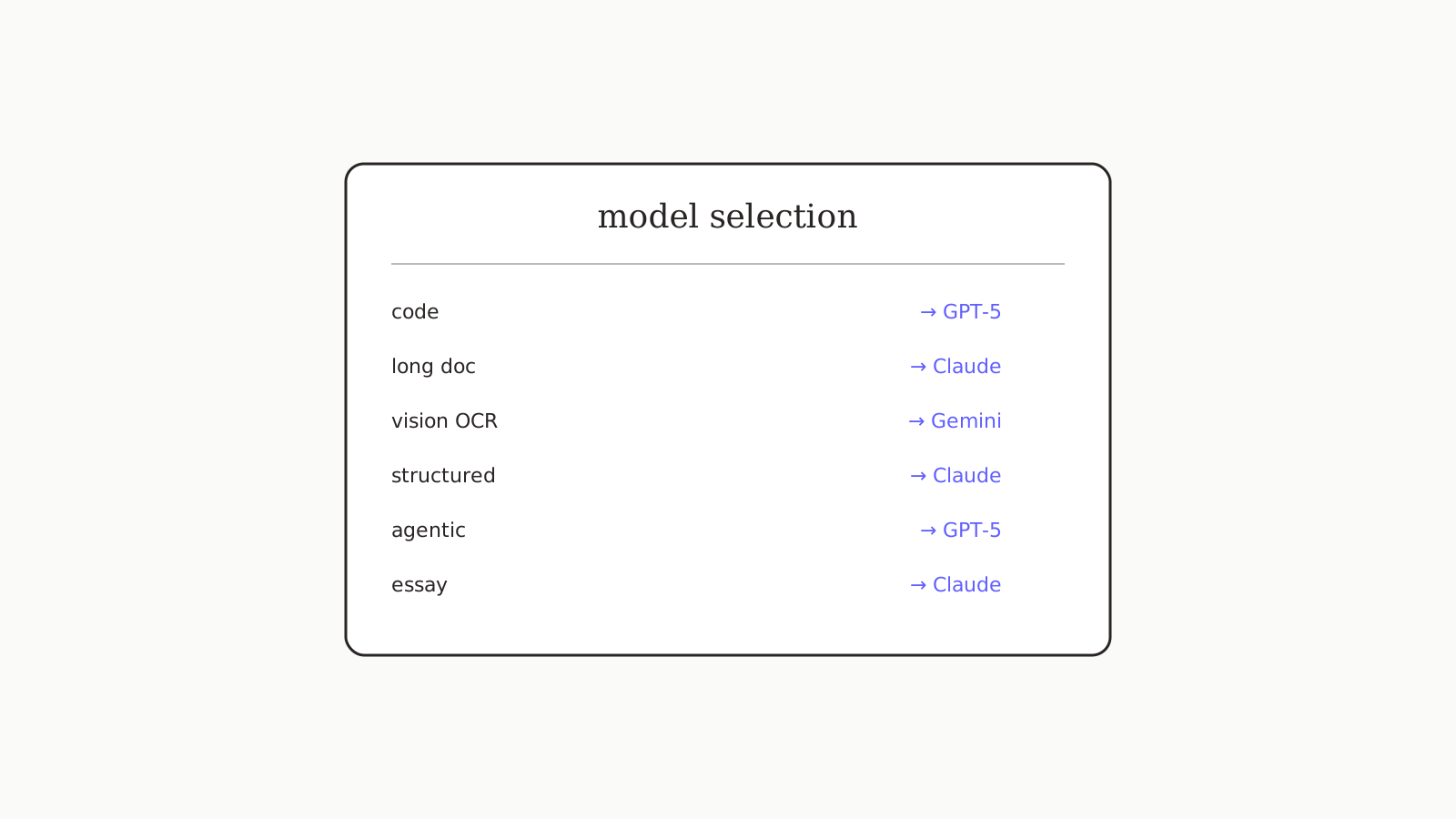
If you regularly ask AI three kinds of questions — say, code, writing, and research — and you only have one model wired up, you're getting a worse answer than you could be on at least one of them. Different models are genuinely better at different tasks, and the right answer most of the time is "switch per question, not per session". This is the one-page lookup table we use ourselves, organized by question type rather than by brand.
The table
| Question type | First choice | Second choice | Avoid |
|---|---|---|---|
| Function-level coding | GPT-5 | Claude 4.7 | — |
| Whole-file refactor | Claude 4.7 | GPT-5 | — |
| Long document analysis (50+ pages) | Claude 4.7 | — | GPT-5, Gemini (retrieval quality drops) |
| Research with citations | Perplexity | Claude 4.7 | — |
| Marketing copy | GPT-5 | Gemini 2.5 Pro | Claude (too measured) |
| Long-form essay | Claude 4.7 | GPT-5 | — |
| Structured output (JSON, exact format) | Claude 4.7 | GPT-5 | — |
| Vision (text-in-image, OCR) | Gemini 2.5 Pro | GPT-5 | Claude |
| Vision (diagrams, drawings) | Claude 4.7 | GPT-5 | — |
| Image generation | GPT-5 | — | (Claude has no image gen) |
| Voice / audio | GPT-5 | Gemini 2.5 Pro | Claude |
| Agentic / multi-step tool use | GPT-5 | Claude 4.7 | — |
| Quick factual lookup | Google AI Overviews | Perplexity | — |
| Translation | GPT-5 | Claude 4.7 | — |
| Math reasoning | GPT-5 | Claude 4.7 | — |
Print this. Tape it next to your monitor. Switch per question instead of defaulting.
How to actually do this
The friction is the switch itself. In single-model apps (ChatGPT, Claude.ai, Gemini), there is no switch — you opened the wrong app for this question. The realistic options are:
- Open multiple apps and pick the right tab. Works, but adds context-switching tax.
- Use a multi-model platform where the model picker is per-message. oran.chat is the one we built; alternatives include Poe and TypingMind (see our comparison for the trade-offs).
- Keep one instruction set that works everywhere. See How to write a system prompt that works across GPT, Claude, and Gemini for the template.
The combination of (2) and (3) is the lowest-friction setup we've found. One workbench, one instruction set, the right model per question.
A meta-rule about model loyalty
People develop strong preferences for one model and stop questioning them. The preference usually has nothing to do with which model is best for the task — it's about which UI they first got comfortable with. If you find yourself defaulting to one model on every question, run the same prompt through a different one for a week. You'll be surprised how often the "wrong" model gives a better answer.
What else
More practical guides in Playbooks. For the head-to-head data behind the rankings in this table, see Claude 4.7 vs GPT-5 and Claude vs Gemini 2.5 Pro. The Playbooks pillar — the portable system prompt — is the prerequisite for actually switching models without retyping instructions every time.